Scream And Run Getting Started
Movement, backpacks, and how not to feed the hunter a hallway chase.
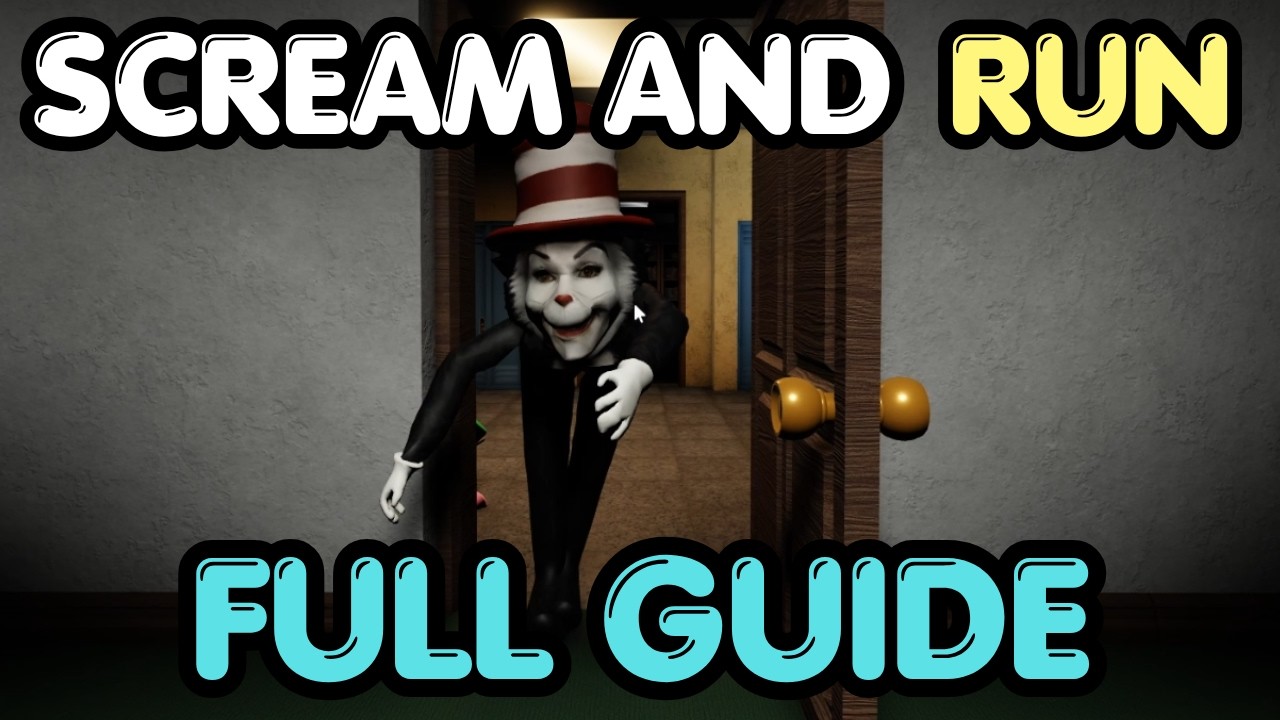
Scream And Run [RELEASE] is a Roblox survival-escape horror set in a school after dark. You are not here to scream into voice chat to jump. You are here to stay quiet, find hidden keys, and leave before the Cat in the Hat ends the run. This beginner guide is the load-in checklist we wish the game pasted on the spawn wall.
The official description is short on purpose. Launch modes are Hide And Seek, Free Roam, and Escape. Controls are Run on Shift, Crouch and Crawl on C, Slide on Shift + C, Flashlight on F. Everything else on this wiki is a consequence of those four binds plus a hunter who owns open space.
What you are actually doing
You spawn with a living flashlight and a school that is already wrong. Classrooms are abandoned. Backpacks sit where students dropped them. Keys hide in those two place types. The exit does not open because you survived a timer; it opens because the lobby gathered enough keys. That is why a player who only hides will still lose, and a player who only sprints will still die.
Pick Escape for your first hour if you want the main badge, Free Roam if you want to learn corridors without a ranked-feeling lobby, and Hide And Seek if your friends queued for a social round. Do not start on the No Power badge. That variant turns the lights off and drops the win rate near one percent.
First two minutes
- Confirm your binds on the controls tool. Mobile players should find crouch and flashlight on the HUD before they move.
- Do not sprint in a straight line from spawn. Shift is for breaking a chase, not for touring.
- Toggle F once so you know the beam works, then turn it off when you are near a windowed hall. Light is information for the hunter too.
- Enter the nearest classroom and sweep desks, corners, and any backpack model. If the room is empty, leave. Lingering is how the Cat in the Hat pins you.
- When you hear or see the hunter, crouch (C) and break line of sight. Slide (Shift + C) is a burst, not a lifestyle.
Keys, not combat
There is no reliable way to kill the Cat in the Hat as a default survivor. Grab And Throw and Push Pass exist to shove players, not to delete the hunter. Your win condition is the key route. Watch the embedded movement guide in the middle of this page, then copy the habit: backpacks first, long hallways second.
If a teammate is already looping a dead classroom, split. Fifty-player servers sound crowded until you realize most people stack the same three doorways. The school is large enough for two sweeps if you communicate with pings or chat instead of grouping into a meatball.
How you will die (and how not to)
Most early deaths are identical. Someone holds Shift down a main hall with the flashlight on. The Cat in the Hat takes the free angle. Crouch exists so your silhouette drops below window lines. Crawl exists so you can cross a doorway the hunter already scanned. Slide exists so you can leave a stair landing without remaining a full-height target.
If you keep dying at the same corner, open the hiding-spot tier list and stop using S-tier spots as AFK camps. A good hide is a pause. A bad hide is a coffin.
What to buy, if you buy anything
You do not need Robux to finish a normal Escape. If you are dying to mistakes more than to the hunter, skip the shop. If you are clearing rooms and still getting one-shot by a bad chase, Infinite Lives is the only pass that clearly changes Escape and No Power. Everything else is optional chaos. Read the gamepass ranking before you impulse-buy 2x Cat chance — that pass is for hunters, which is a different guide entirely: Play as the Cat.
After your first live escape
Claim the Escape The Cat In The Hat badge, then decide. If you want a harder loop, No Power is waiting. If you want a break, Free Roam is the practice range. If you want a social night, Hide And Seek. Check codes only after a patch notes a redeem UI. Check scripts only to learn what will get the account banned.
When you are ready for a full route, continue with How to Escape. When you are ready to stop missing items, continue with Keys and Backpacks.
Frequently Asked Questions
Quick answers to the most common questions.
Do I need Roblox voice chat for Scream And Run?
No. Jumping and movement are not mic-based. Use Shift, C, Shift + C, and F. Voice is optional communication only.
What should I do in the first match?
Play Escape or Free Roam, sweep one classroom plus backpacks, and practice crouch instead of sprint. Then try a full escape.
How many players are in a server?
Up to 50. That is large enough to hide in a crowd and large enough for the hunter to farm noisy sprinters.
When should I try No Power?
After a normal Escape badge. The lights-off challenge is a different game. See No Power.